


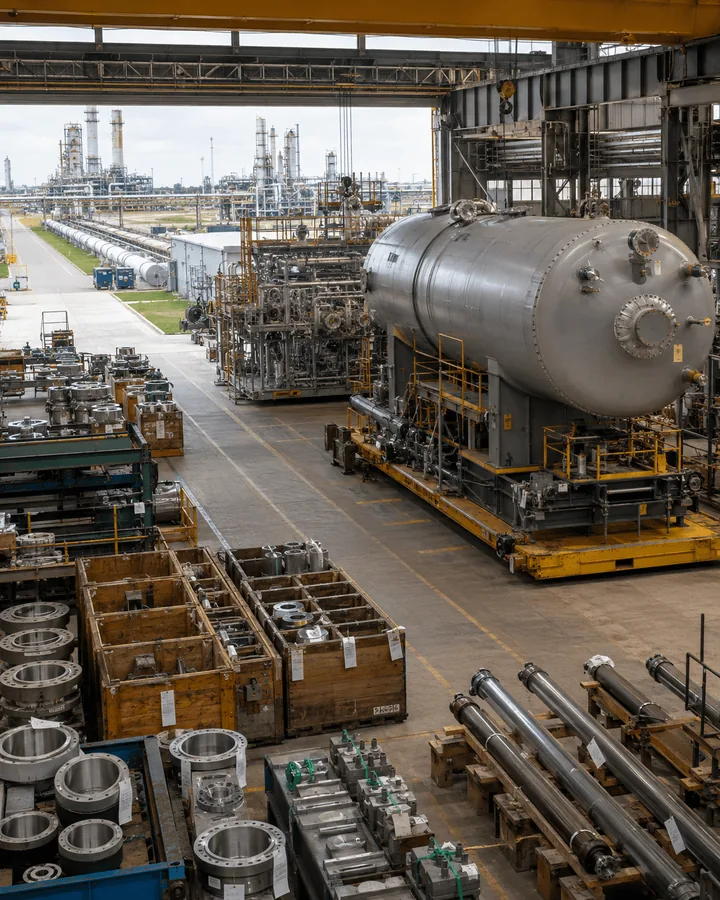

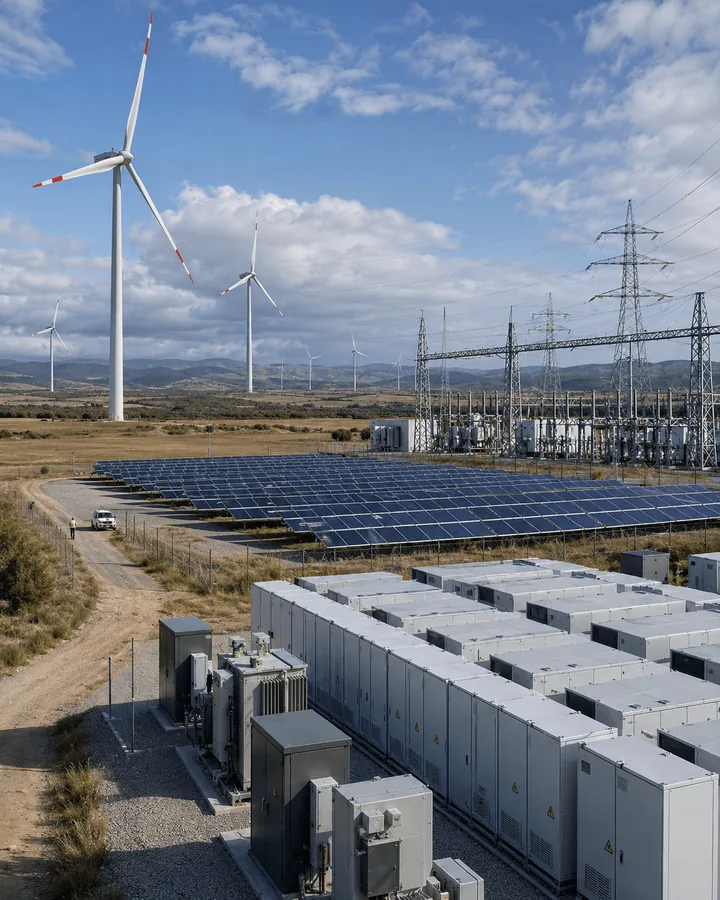
“Machine not working. Please send someone.”
Everything after this is discovered on site, by phone, or not at all — which is how a single visit quietly becomes three.

Unify ERP, CRM, analytics, and cloud on one connected Microsoft platform.
Explore Solutions Industry SolutionsFind the right solution for your business
Connect Service Requests, Dispatchers, Technicians, Assets and Customers
When equipment fails at a customer location, the challenge is not creating a ticket. It is knowing what failed, where it sits, what happened to it before, which technician has the skills and the parts, what procedure to follow — and what should be billed afterwards. Urewa Technologies designs Dynamics 365 Field Service around the way technicians, dispatchers, service managers and back-office teams actually work.
Service execution designed alongside the assets, inventory, contracts and finance processes that surround it.
The difference between a service organisation that runs well and one that firefights is rarely effort. It is how much is known before the van leaves.
“Machine not working. Please send someone.”
Everything after this is discovered on site, by phone, or not at all — which is how a single visit quietly becomes three.
Field Service supports the complete process — from the initial requirement through onsite execution and billing — with work orders, scheduling, mobile technicians, asset history, preventive maintenance, inventory, purchasing, returns and analytics.
Nine steps from the first signal to the invoice. Select any step to read what happens there.
A customer reports an issue, an agreement generates planned maintenance, or an IoT alert identifies a problem before anyone picks up the phone.
What is the exact service location?
Which asset, equipment or service requirement is involved?
What failure, inspection, installation or maintenance created the work?
When must the service be completed?
What type of technician or resource is required?
What tasks or procedures must the technician perform?
What products, spare parts or tools are expected?
What work, time, material, inspection result and acknowledgement were recorded?
A technician should arrive knowing what needs to be done — not spend the first thirty minutes discovering why they were sent.
The operational record of service
Reusable service templates
The service memory
Find it on a complex site
Schedule Board & Schedule Assistant
Separately licensed add-on
Planned, not emergency
iOS, Android and Windows
Structured data, not paper
Parts readiness
Equipment coming back
Evidence and revenue
A technician being free does not make them the right technician. Nine factors decide whether a booking will actually succeed.
Is the technician working?
Can they actually perform the task?
Where are they relative to the customer?
Is the work in their service area?
Can the job realistically fit the schedule?
Is the request urgent?
Has an arrival window been committed?
Will this booking create needless travel?
Does the customer or agreement require a specific technician?
Connected Field Service integrates Azure IoT so devices can raise alerts that become service requirements — shifting suitable scenarios from reactive to condition-driven.
Use AI to reduce administration, not to hide a poorly designed service process. Copilot can summarise a work order and answer questions in natural language — but only once the work-order structure, asset data, statuses, incident types and technician updates beneath it are reliable. A summary of bad data is still bad data.
SituationA manufacturing machine stops unexpectedly and the customer calls it in.
ProcessWork order against the asset, failure incident selected, required skill defined, high priority, technician scheduled with service history to hand.
BenefitStructured execution and a complete history against that equipment.
Situation150 pieces of equipment across multiple customer sites under recurring contracts.
ProcessAgreements generate the maintenance schedule and work orders automatically, through to inspection, parts and recurring billing.
BenefitNo dependency on someone remembering each maintenance date.
SituationScheduled service across geographically distributed inverters, transformers, switchgear and battery systems.
ProcessFunctional locations, assets, maintenance agreements, scheduling, mobile execution, inspections and property readings working together.
BenefitDistributed assets serviced on a plan rather than on complaint.
SituationNew equipment is delivered and needs onsite installation and commissioning.
ProcessInstallation incident, required technician, scheduled visit, commissioning checklist, asset record updated, signature captured.
BenefitCommissioning evidence that lives with the asset.
SituationTechnicians carry commonly used spare parts with no real visibility of what is on each van.
ProcessCentral warehouse transfers into technician warehouses, consumption against work orders, automatic replenishment.
BenefitControlled technician inventory rather than a guess.
SituationA technician determines equipment cannot be repaired onsite.
ProcessRMA raised, unit returns to the service centre, replacement installed, asset history updated across both.
BenefitOne controlled process instead of email and a spreadsheet.
How much work is finished without a repeat visit?
How long between request and technician response?
How much capacity is consumed getting there?
How much available capacity is productively scheduled?
How long have open work orders been unresolved?
How many jobs finish inside the committed window?
Which assets keep coming back?
Which spare parts move most?
Which equipment categories fail most often?
How much service is planned rather than emergency?
Request, diagnose, work order, schedule, execute, complete, bill — settled before anyone customises a form.
High-frequency work becomes reusable templates, so execution and data are comparable across technicians.
Every repair, inspection and reading should make the next service decision better informed.
Skill, availability, location, parts, instructions, history and site access — not availability alone.
The technician experience is not a desktop form squeezed onto a phone.
Inspection responses, failure codes, resolution types and asset properties — not only free-text notes.
Recurring maintenance comes from agreements, not personal calendars.
Truck inventory and service parts belong inside the service process.
Tasks, products, time, inspections, asset changes, acknowledgement, follow-up and billing status all confirmed.
Customer unavailable, asset inaccessible, part missing, additional work found, signature refused, follow-up needed.
Installed equipment, breakdowns, maintenance, commissioning and service contracts.
Installed assets, technician visits, spare parts, preventive service and equipment history.
Geographically distributed serviceable assets, inspections and preventive maintenance.
Recurring maintenance agreements, assets, inspections and technician scheduling.
Onsite service, equipment maintenance, installations and technical inspections.
Onsite activities needing scheduled personnel, work orders, time, products and evidence.
Forklifts, automation equipment and conveyors across customer facilities.
Customer Service handles the support interaction — cases, communication, knowledge, queues, agents and contact-centre processes.
Field Service handles onsite execution — work orders, technicians, scheduling, assets, preventive maintenance, inspections, parts and mobile. A customer calls about failed equipment: Customer Service records the case, Field Service sends the engineer.
Project Operations suits project-based delivery — plans, tasks, resources, time, expenses, project costing and project billing.
Field Service suits repeatable onsite activity — repairs, maintenance, inspection, installation and dispatch. Many organisations need both, and work orders and agreements can carry project context.
Field Service should manage the service operation. The ERP should manage the enterprise financial and supply chain operation.
Integrations exist for Business Central, Finance, Supply Chain Management and Project Operations. Do not force one application to become something it was not designed to be.
Microsoft's application for managing onsite service operations — work orders, resource scheduling, technicians, customer assets, preventive maintenance, inspections, inventory, mobile execution and service-related billing.
Yes. The Dynamics 365 Field Service mobile application runs on supported iOS, Android and Windows devices, built on the Power Platform model-driven app framework, and covers bookings, work orders, assets, inspections and related field data.
Yes. Field Service supports configured mobile offline profiles. Administrators decide which data is available offline and how synchronisation works, and offline availability also depends on the mobile experience in use.
Yes. Field Service Agreements automatically create recurring maintenance work orders — and recurring invoices — according to defined schedules, frequencies and date ranges.
Yes. Customer Assets represent the equipment and Functional Locations place it within complex sites such as plants, warehouses and multistory buildings, with service history maintained against the asset.
Through the Schedule Board for manual dispatch, the Schedule Assistant for matching by availability, skills and travel time, and Resource Scheduling Optimization for automated optimisation at volume.
A separately licensed Field Service add-on that automatically optimises schedules across many jobs and resources against configured constraints and objectives — reducing travel, maximising utilisation, prioritising urgent work. It should be justified by genuine scheduling complexity.
Yes. Native digital inspections support multiple question formats, mandatory responses, pass/fail testing, images, attachments, dynamic branching, offline execution and version management, with responses stored in Dataverse for reporting and automation.
Yes. Inventory covers warehouses, quantities, adjustments, transfers, work-order products, purchasing and returns — including treating a technician's vehicle as a controlled mobile warehouse.
Field Service can generate invoice records from posted work orders based on applicable products, services and configured travel charges, with actuals capturing time and cost. The downstream financial architecture depends on your wider Dynamics or ERP environment.
Yes. Connected Field Service integrates Azure IoT so connected devices can raise alerts that create cases or work orders, shifting suitable scenarios from reactive to condition-driven service.
Yes. Microsoft provides work-order summaries, natural-language questions over Field Service data and assistance creating inspection templates, with AI-assisted work-order updates in development. A Scheduling Operations Agent is also in preview, so it should not be planned as production capability yet.
Yes to both. Business Central integration connects service orders, service items, products, resources, consumption and financial processing. Work orders and agreements can also carry Project Operations project context for installation and commissioning engagements.
Microsoft offers a Field Service Contractor licence for external frontline technician scenarios, with more limited rights than the full Field Service user licence. Classify your users first — dispatcher, service manager, internal technician, contractor, inventory, administrator — then match licences rather than buying everyone the same one.
Yes. We assess work-order design, scheduling, mobile execution, customer assets, preventive maintenance, inspections, inventory, integrations, reporting, data quality, customisations and adoption, then produce a prioritised improvement roadmap.
When onsite service is part of a larger installation, commissioning or managed-service engagement.
Explore Project Operations →Parts and procurementEnterprise inventory, purchasing and warehousing behind service parts and truck stock.
Explore Supply Chain →Mid-market ERPFinancial and operational processing behind service consumption, with documented Field Service integration.
Explore Business Central →Service billing ultimately lands in Dynamics 365 Finance, and connecting Field Service to IoT, portals and other systems is covered in our ERP integration guide. Microsoft documents the product itself on Microsoft Learn.
Manual work orders, dispatcher spreadsheets, missed preventive maintenance, thin asset history, paper inspections, invisible truck stock, repeat visits and service-to-billing gaps — these are the symptoms. We assess, design, implement, integrate and support Field Service around how your service operation actually runs.
Or email us directly: info@urewa.com